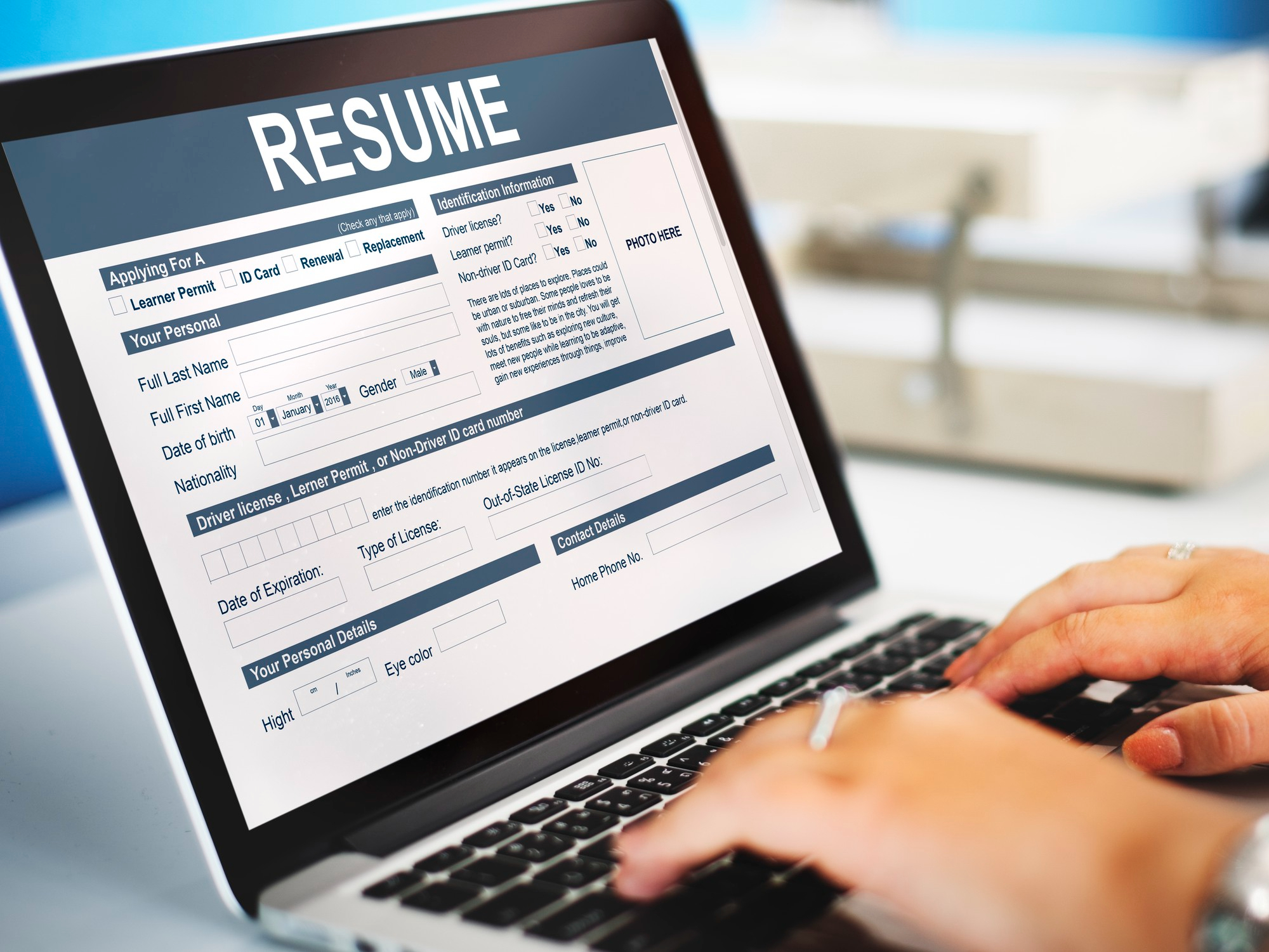
In today’s digital hiring world, your resume often doesn’t reach a human first — it goes through an Applicant Tracking System (ATS). These systems filter out candidates before recruiters ever open the file. That’s why writing an ATS-friendly resume is not just a good idea — it’s essential for landing interviews.
The truth? Over 75% of resumes never make it to a recruiter’s inbox simply because they fail ATS screening. But with the right structure, formatting, and keywords, your resume can easily pass through.
This guide explains everything you need to know — from what ATS is, to how to format and write a resume that’s both readable by software and impressive to humans.
Learn What Is an ATS-Friendly Resume by Recurt?
An ATS (Applicant Tracking System) is software that scans resumes for specific keywords, formats, and data. It identifies whether a candidate fits the role description by analyzing text elements — job titles, skills, experience, and education.
An ATS-friendly resume is structured so this software can easily:
- Read your content
- Recognize key information
- Match your profile with job requirements
In short — it’s not about tricking the system. It’s about making your resume understandable to both machines and humans.
Why ATS-Friendly Resumes Matter in 2025
AI and automation have transformed recruitment. In the post-AI revolution era, employers receive hundreds of applications per job. ATS tools save time by:
- Automatically sorting qualified candidates
- Rejecting irrelevant or poorly formatted resumes
- Ranking applicants based on keyword relevance
That means if your resume isn’t ATS-optimized, you might never get a chance to prove your worth — even if you’re highly qualified.
According to Jobscan, 98% of Fortune 500 companies now use some form of ATS.
So, the question isn’t if your resume will be scanned — it’s how well it will perform when it is.
Step-by-Step Guide to Writing an ATS-Friendly Resume
Let’s build your resume like a pro recruiter would want to see it.
1. Choose a Simple and Clean Layout
ATS systems struggle with complex designs, graphics, and fancy columns. Keep your layout:
- One column (avoid tables and text boxes)
- Standard A4 size
- 10–12pt font (Calibri, Arial, or Helvetica)
- Black or dark gray text only
Tip: Avoid decorative borders, icons, or symbols like “✓” or “•”. Instead, use plain text bullet points (– or •).
2. Use Clear Section Headings
ATS tools rely on headings to categorize your information. Use these standard labels:
- Contact Information
- Professional Summary
- Experience
- Education
- Skills
- Certifications
Avoid creative alternatives like “What I’ve Done” or “My Journey” — the system won’t recognize them.
3. Match Keywords with the Job Description
This is where most people fail.
Every job listing includes keywords like:
- Required skills (e.g., “project management”, “data analysis”)
- Job titles (e.g., “Marketing Executive”)
- Tools (e.g., “Excel”, “Python”, “Adobe Photoshop”)
You must mirror these terms naturally in your resume.
Example:
If the job ad says: “Looking for an experienced Digital Marketer skilled in SEO and content analytics,”
Don’t write: “Online promotions expert.”
Write: “Experienced Digital Marketer with strong SEO and content analytics background.”
Use tools like Jobscan.co or Recurt’s Resume Builder to compare your resume keywords with the job ad.
4. Focus on Readable Formatting
Keep everything consistent:
- Job title and company name bolded
- Dates right-aligned (e.g., “Jan 2022 – Present”)
- Use bullet points for achievements
- Avoid headers, footers, or multi-column templates
ATS reads text in top-to-bottom order, so avoid sidebars.
5. Save Your Resume as .DOCX or PDF (Text-Based)
Always save your resume in a format that preserves text readability.
- ✅ .DOCX (preferred)
- ✅ PDF (if it’s text-based, not scanned)
- ❌ JPG or image-based PDF — ATS can’t read it.
6. Write a Strong Professional Summary
Your summary is the first section recruiters see after the scan.
It should:
- Be 3–4 sentences long
- Include your title, experience, and top skills
- Integrate 2–3 job-relevant keywords
Example:
Dynamic HR professional with 5+ years of experience in talent acquisition and performance management. Skilled in HR analytics, recruitment strategies, and employee engagement. Proven ability to streamline hiring processes using data-driven insights.
7. Highlight Achievements, Not Just Duties
ATS ranks resumes higher when they include measurable results.
Use numbers and metrics whenever possible:
- “Increased sales by 20%”
- “Managed a team of 10”
- “Reduced onboarding time by 30%”
Each bullet should start with a strong action verb like Developed, Implemented, Led, Designed, Optimized.
8. Use a Dedicated Skills Section
The Skills section is crucial — it’s where ATS extracts your technical match.
List both hard and soft skills relevant to the role.
Example:
Core Skills:
Digital Marketing | SEO | Google Analytics | Content Strategy | Campaign Management
Soft Skills:
Team Collaboration | Leadership | Analytical Thinking | Adaptability
9. Include Education and Certifications
Include:
- Degree name
- Institution
- Year of graduation
- Relevant certifications (Google Ads, PMP, AWS, etc.)
These add credibility and improve your ranking for specific roles.
10. Avoid Common ATS Killers
Here are some mistakes that can instantly disqualify your resume:
- Using fancy fonts like “Papyrus” or “Brush Script”
- Embedding charts or logos
- Adding tables inside Word documents
- Using abbreviations without full forms (e.g., “Mgr” instead of “Manager”)
- Leaving important fields blank (ATS interprets blanks as “no experience”)
Bonus: Check Your Live ATS Score
You can test your resume’s ATS score before sending it.
Free tools (like Recurt’s upcoming Resume Builder) scan for:
- Keyword match rate
- Formatting issues
- Section recognition
- Readability score
A good resume usually scores 80% or higher on these tests.
Example: Perfect ATS-Friendly Resume Layout
John Doe
Email: johndoe@email.com | Phone: +91 9876543210 | Location: Bengaluru, India

Professional Summary
Results-driven software developer with 5+ years of experience in full-stack development, API integration, and agile project management. Skilled in JavaScript, React, and Node.js. Proven track record of improving app performance by 35%.

Experience
Software Engineer | ABC Technologies | Jan 2020 – Present
• Developed and maintained web applications using React and Node.js
• Improved backend API response time by 25% through code optimization
• Collaborated with UI/UX team to enhance user experience

Junior Developer | XYZ Pvt. Ltd. | Aug 2018 – Dec 2019
• Assisted in developing company CRM platform
• Implemented reusable components for faster development cycles

Education
B.Tech in Computer Science | NIT Delhi | 2018

Skills
JavaScript | React | Node.js | MongoDB | Git | Agile Development
Benefits of an ATS-Friendly Resume
- Higher visibility: You’ll actually reach recruiters.
- More interviews: Passing filters means more opportunities.
- Professional impression: Clear structure looks credible to hiring managers.
- Compatibility: Works across platforms (LinkedIn, Indeed, etc.).
- Future-proof: Stays valid even as AI recruiting evolves.
Common Cons (and How to Overcome Them)
| Challenge | Solution |
|---|---|
| Feels “plain” visually | Use clean templates with subtle colors |
| Keyword stuffing risk | Use natural phrasing, not repetition |
| Takes more effort | Save your template and reuse |
| No graphics or infographics | Attach portfolio links instead |
Final Takeaway
AI and automation aren’t your enemies — they’re your filters.
Writing an ATS-friendly resume means aligning your profile with technology while still sounding human.
The best resumes blend data and personality:
- Structured for software
- Written for humans
- Designed for success
So before you hit “Apply,” take 10 extra minutes to polish your resume — it could be the difference between getting ignored and getting hired.
An ATS-friendly resume doesn’t mean a boring resume — it means a smart, strategic one.
When you optimize your content, layout, and keywords, you’re not gaming the system — you’re communicating clearly with both AI and recruiters.
Take control of your job search by crafting a resume that gets seen, gets read, and gets results.
10 FAQs About ATS-Friendly Resumes
1. What does ATS stand for?
Applicant Tracking System — software that filters resumes.
2. Do recruiters still read resumes manually?
Yes, but only after the ATS shortlists them.
3. Can I use templates from Canva or MS Word?
Use simple ones without text boxes or graphics.
4. Are PDFs better than Word documents?
Text-based PDFs are fine; image-based PDFs are not.
5. Should I include a photo?
No. Most ATS systems ignore or misread images.
6. What’s the best resume length?
One page for <5 years experience, two pages max otherwise.
7. Do keywords really matter that much?
Yes — they’re the core of ATS scoring.
8. Can I add hyperlinks?
Yes, to LinkedIn or portfolio sites — make sure they’re clickable.
9. How often should I update my resume?
Every 3–6 months or after major achievements.
10. Is Recurt’s Resume Builder ATS-compatible?
Yes — it’s built specifically for ATS parsing, live score updates, and downloadable formats.